Your website may load quickly on your own computer. But does a customer on an older phone with a weak mobile connection get the same experience? Core Web Vitals are the three measurements Google uses to answer that question with real user data.
This guide explains what each metric measures, which values count as good, how to check your own site and how the most common problems are fixed, without drowning you in technical detail.
What Are Core Web Vitals?
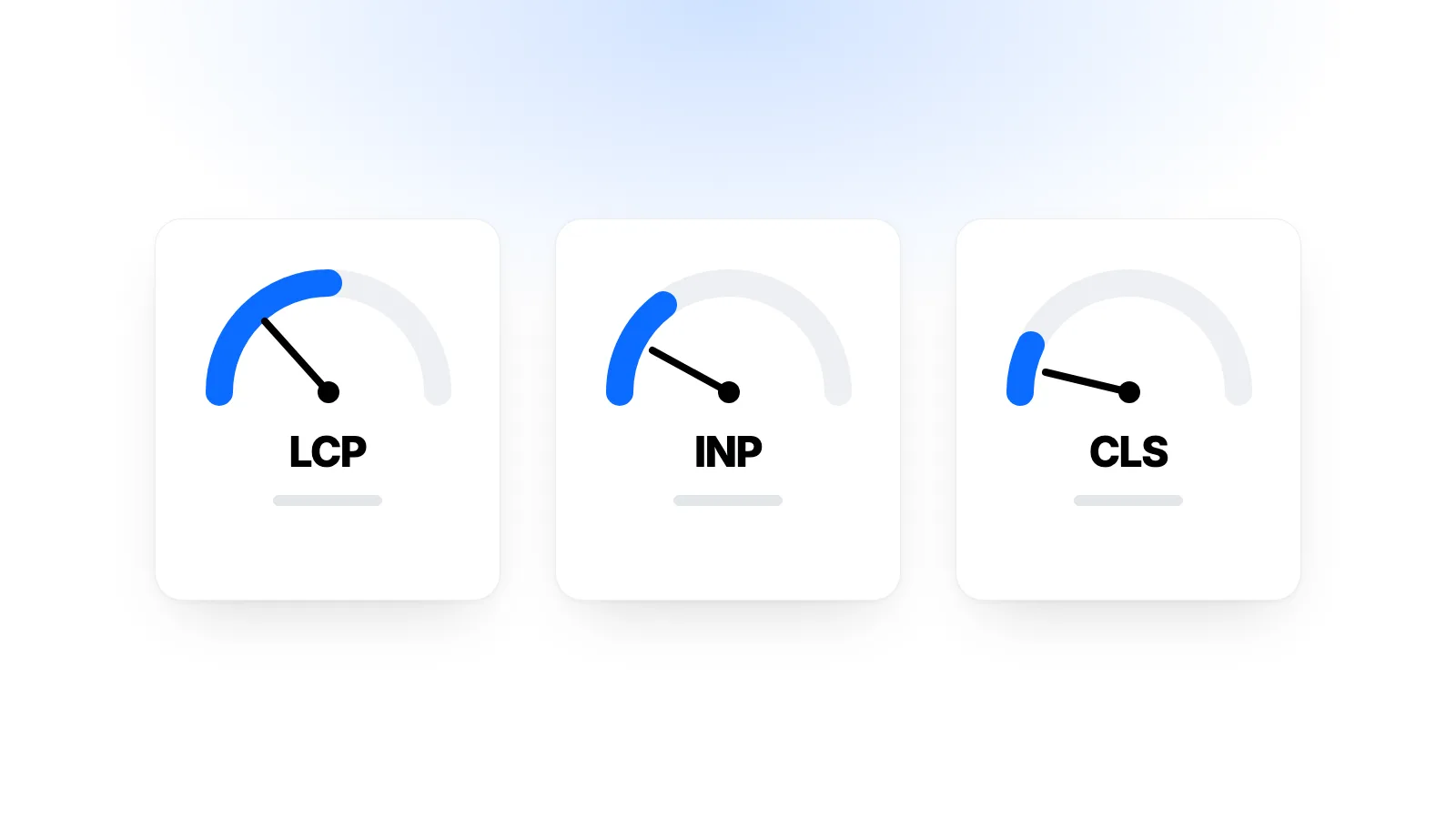
Core Web Vitals measure how a page feels to the people using it, from three angles:
- Loading: How long until the main content appears?
- Responsiveness: When someone taps a button, how quickly does the page react?
- Visual stability: Does content jump around while the page loads?
These measurements don't come from a single lab test. They are calculated from data collected in the browsers of people who actually visit your site. That's why they reveal the gap between "fast on my computer" and "fast for my visitors".
The Three Metrics and Their Targets
| Metric | What it measures | Good | Needs improvement | Poor |
|---|---|---|---|---|
| LCP (Largest Contentful Paint) | When the main content appears | 2.5 s or less | 2.5–4 s | Over 4 s |
| INP (Interaction to Next Paint) | How fast the page responds | 200 ms or less | 200–500 ms | Over 500 ms |
| CLS (Cumulative Layout Shift) | How much content shifts unexpectedly | 0.1 or less | 0.1–0.25 | Over 0.25 |
Pages are assessed at the 75th percentile of visits, with mobile and desktop measured separately. In other words, for a page to count as "good", at least three out of four visits need to meet these thresholds. This way, the experience on slower devices counts, not just on fast ones.
LCP: When Does the Main Content Appear?
LCP measures the moment the largest image or block of text in the first screen is drawn. On most sites, that's the large image at the top or the main heading.
The issues that hurt LCP most are:
- A slow server response. The browser can't draw anything until the server sends its first reply. An under-resourced server, or a site without caching that hits the database on every request, directly delays LCP.
- Large, unoptimised images. Loading a 4,000-pixel image that will be shown 400 pixels wide on a phone is a very common mistake.
- The main image being discovered late. If the top image is marked for lazy loading (
loading="lazy") or set as a CSS background, the browser finds it late. - Render-blocking CSS and JavaScript. Lots of files that must download before the page can be drawn will delay the first view.
INP: How Quickly Does the Page Respond?
INP replaced the older FID metric in March 2024. FID only looked at the delay before the very first interaction began. INP looks at the clicks, taps and key presses made throughout a visit and measures how long the page takes to respond and update the screen.
The usual causes of poor INP:
- Heavy JavaScript. When the browser's main thread is busy for a long time, the visitor's tap has to wait in line.
- Too many third-party scripts. Chat widgets, ad and analytics tags and social media plugins each take time on the main thread.
- Very large pages. On a page made of thousands of elements, every update becomes more expensive.
CLS: Does the Content Jump Around?
You've probably been about to tap a link when an ad loaded above it, pushed everything down, and you tapped the wrong thing. CLS measures exactly that kind of unexpected movement.
The most common causes of CLS:
- Images and videos without dimensions. If the browser doesn't know an image's height, it doesn't reserve space, so the content below jumps when the image arrives. Adding
widthandheightattributes solves most of this. - Banners and ads inserted later. If a cookie notice or promotional bar pushes content down as it appears, the page shifts.
- Late-loading web fonts. Text drawn in a fallback font can change width when the real font arrives and push lines around.
How to Check Your Site
- PageSpeed Insights: Enter an address and you'll see real user data at the top (if the page has enough traffic) and lab test results below. They tell you different things: real user data covers the last 28 days, while the lab test is a single run at that moment.
- Google Search Console: The "Core Web Vitals" report groups your pages by similar issues. It's the most useful place to see which types of pages have problems.
- Browser developer tools: Lighthouse and the Performance panel in Chrome let you dig into the source of a problem in detail.
Low-traffic sites may not show real user data at all. In that case, lab results are your guide, but go by the mobile results.
What to Fix First
There's no single recipe for every site, but this order works well for most:
- Check your server response time. Use page caching, remove unnecessary plugins and see whether the server has enough resources. Resource shortages are common on shared hosting.
- Sort out your images. Use modern formats such as WebP or AVIF, size images close to how they'll be displayed and use
srcsetto serve different sizes to different screens. Don't lazy-load the main image at the top. - Give images dimensions. Set a width and height for every image and video.
- Review third-party scripts. Remove tags you no longer use and defer the necessary ones until after the page has loaded.
- Keep fonts lean. Use only a few font weights and serve fonts from your own server where possible.
Measure again after each change. Because of the 28-day window, real user data can take a few weeks to reflect your improvements.
Do Core Web Vitals Affect Rankings?
Google counts Core Web Vitals among the page experience signals its ranking systems consider. But by Google's own account, content that is relevant and genuinely helpful matters far more. A slow but very useful page can still outrank a fast page with thin content.
So it makes more sense to treat Core Web Vitals as a measure of user experience rather than just an SEO score. A page that loads quickly, responds instantly and doesn't jump around makes life easier for visitors. How much that affects sales or enquiries varies from site to site, but it's easy to measure.
Common Mistakes
Only looking at the desktop score. A large share of visitors come from mobile, and mobile results are usually weaker.
Chasing a lab score of 100. The lab score is a guide. The real goal is for all three metrics to be in the "good" range in real user data.
Trying to fix everything with plugins. Stacking several optimisation plugins can cause conflicts and make the page even heavier.
Lazy-loading the main image. Lazy loading is meant for images further down the page. On the main image in the first screen, it delays LCP.
Frequently Asked Questions
Do All My Pages Need to Be "Good"?
Not necessarily, but it makes sense to start with your most visited pages and the ones that matter most, such as product, checkout or contact pages.
Will Moving to a More Powerful Server Fix the Problem?
If your server response is slow, yes, it can make a clear difference, especially to LCP. But if the problem is heavy JavaScript or unoptimised images, a new server won't fix it on its own. Measure first to find out where the problem is.
Why Does PageSpeed Insights Give a Different Score Every Time?
Lab tests are affected by small changes in network and server conditions. Look at the overall trend across several runs and at real user data rather than any single result.
Conclusion
Core Web Vitals answer three simple questions: does the main content appear quickly, does the page respond quickly to a tap, and does the content stay where it is? The targets are 2.5 seconds for LCP, 200 milliseconds for INP and 0.1 for CLS. Speeding up server response, sizing images correctly, cutting back on third-party scripts and giving images dimensions are the steps that make the biggest difference on most sites.
If you're thinking about moving your site from shared hosting to your own cloud server, take a look at the plans on our cloud servers page, or reach us through our contact page if you're unsure which plan fits. If you're wondering how processor type affects your choice, our article on VDS vs VPS may also help.