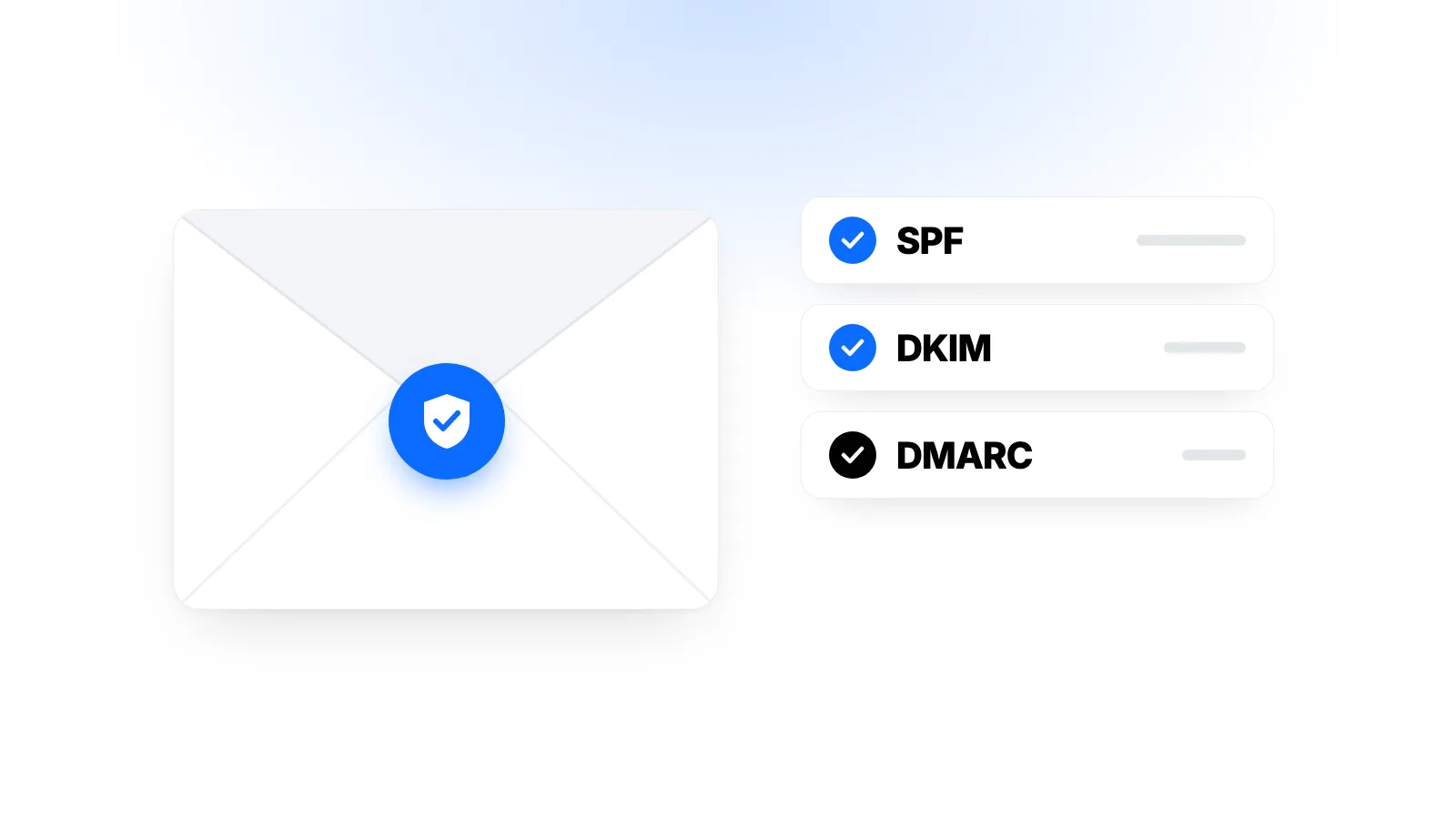
You sent a client a proposal and heard nothing back for weeks. Then you found out your email had been sitting in their spam folder. With business email, one of the most common causes is missing or broken SPF, DKIM and DMARC records on your domain.
These three settings answer a question for the receiving mail server: "Did this email really come from this domain?" When they are set up correctly, your messages are more trustworthy to mailbox providers, and it becomes much harder for anyone else to send fake email using your domain.
This guide explains what each record does, what the major email providers expect today and how to check your own setup.
Why They Matter: A Little Background
Email was not designed to verify who the sender is. Anyone can put any address in the "From" field, and scammers use this to send fake invoices or payment requests that appear to come from well-known companies.
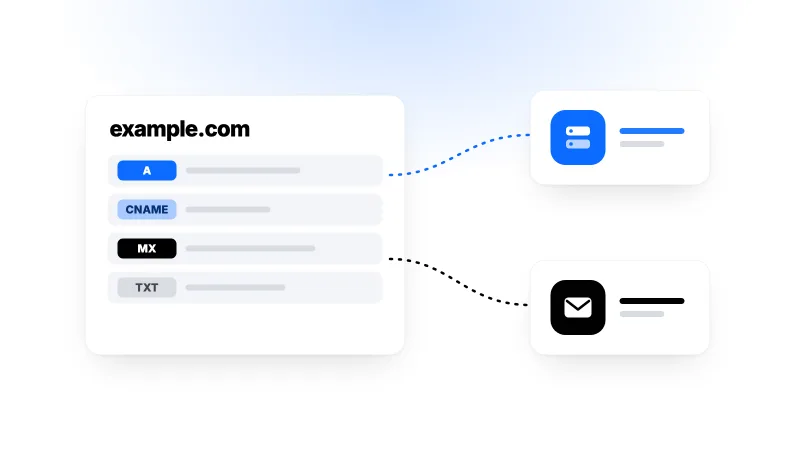
SPF, DKIM and DMARC were created to close that gap. Each one checks something different, and together they provide meaningful protection. All three are added to your domain's DNS as TXT records. If DNS records are new to you, our plain-English guide to DNS records is a good place to start.
SPF: Who Is Allowed to Send Email for My Domain?
SPF (Sender Policy Framework) is a list of the servers you allow to send email on behalf of your domain. The receiving server checks whether an incoming message came from a server on that list.
A sample SPF record:
example.com. TXT "v=spf1 include:_spf.email-service.com include:newsletter-service.com ~all"
This record says: "The servers of our email service and our newsletter service may send email for this domain."
Things to watch out for:
- A domain should have only one SPF record. When you add a new sending service, update the existing record instead of creating a second
v=spf1record. - The ending matters.
~allasks receivers to treat mail from unlisted servers as suspicious, while-allasks them to reject it. If you are sure every sending source is listed,-allis the stricter option. - There is a ten-lookup limit. Mechanisms such as
includecan trigger at most 10 DNS lookups during an SPF check. Records stuffed with many services can exceed this limit, and then the SPF check fails.
SPF has one weak spot: when an email is forwarded, the sending server changes, so the SPF check can fail. That is one reason DKIM matters.
DKIM: Was This Email Changed Along the Way?
DKIM (DomainKeys Identified Mail) adds a digital signature to every email you send. The signature is created with a private key on the sending system, and the public key needed to verify it is published in DNS.
By checking the signature, the receiving server learns two things:
- The email really was sent by a system authorised by the domain.
- The signed parts, such as the subject and body, were not altered in transit.
A DKIM record usually looks like this:
selector1._domainkey.example.com. TXT "v=DKIM1; k=rsa; p=MIIBIjANBgkqh..."
The selector1 part at the start is called the selector. A domain can have several DKIM keys, for example one for your business email service and one for your newsletter tool. You don't create this record yourself: your email service gives you the selector and key to add. Choose a 2048-bit key where possible. Google requires at least 1024 bits and recommends 2048.
DMARC: What Should Happen When the Checks Fail?
DMARC (Domain-based Message Authentication, Reporting and Conformance) brings SPF and DKIM together and does two jobs:
- Alignment: The domain in the email's "From" field must match the domain verified by SPF or DKIM. This stops an attacker from passing SPF with their own domain while putting your name in the "From" field.
- Policy and reporting: It tells receivers what to do with mail that fails the checks and arranges for regular reports to be sent to you.
A sample DMARC record:
_dmarc.example.com. TXT "v=DMARC1; p=none; rua=mailto:dmarc-reports@example.com"
The p value sets the policy:
| Policy | What it means | When to use it |
|---|---|---|
p=none |
Monitor and report only, don't touch the email | Getting started |
p=quarantine |
Send failing mail to spam | Once your sources are clear |
p=reject |
Reject failing mail | Strongest protection |
Don't start with p=reject. If you've forgotten a sending source, such as your website's contact form or invoices sent by your accounting software, those messages will never reach anyone. Start with p=none, review the reports for a few weeks, and tighten the policy step by step once you're confident every legitimate source passes SPF or DKIM.
The reports sent to the rua address are XML files and hard to read. Free and paid DMARC report tools turn them into something readable.
What the Big Email Providers Expect Today
These records are no longer just good practice. Major providers have tightened their rules noticeably in recent years:
- Gmail has required everyone sending to personal Gmail addresses to set up at least SPF or DKIM since February 2024. Senders of more than 5,000 messages a day must have SPF, DKIM and DMARC, aligned with the "From" domain, and their marketing emails must support one-click unsubscribe.
- Yahoo introduced similar rules at around the same time.
- Microsoft began requiring SPF, DKIM and DMARC from May 2025 for anyone sending more than 5,000 messages a day to Outlook.com, Hotmail and Live addresses.
A small business sending a few hundred emails a day isn't a "bulk sender". Even so, having all three records in place improves your chances of reaching the inbox and makes it harder for your domain to be used in fake emails. These rules can change over time, so if you send in volume, keep an eye on each provider's current sender guidelines.
Setting Things Up in the Right Order
- List every sending source. Your business email service, newsletter tool, website form emails, e-commerce notifications, invoicing and CRM software. Every source you forget will cause trouble later.
- Create your SPF record. Combine the
includevalue from each service into a single record. - Turn on DKIM for each service. Look for a "verify domain" or "DKIM" section in each service's settings.
- Add a DMARC record with
p=noneand an address to receive reports. - Watch the reports for a few weeks and fix any missing sources.
- Tighten the policy gradually, first to
quarantine, then toreject.
How to Check Your Records
Send yourself an email and choose "Show original" in Gmail. You'll see the SPF, DKIM and DMARC results marked PASS or FAIL. In Outlook, look for the Authentication-Results line in the message headers.
To view the records from the command line:
dig example.com TXT +short
dig _dmarc.example.com TXT +short
dig selector1._domainkey.example.com TXT +short
Common Mistakes
Having two SPF records. When a new service is added, a second record gets created next to the old one, and the pair breaks SPF.
Forgetting your website's emails. Contact form messages and order confirmations often come from your server or a separate sending service rather than your business email provider. If that source isn't covered by SPF and DKIM, those emails will disappear once DMARC is tightened.
Skipping DMARC. SPF and DKIM alone don't protect the address in the "From" field. Alignment only comes with DMARC.
Forgetting domains that never send email. For a domain that doesn't send mail at all, v=spf1 -all plus a DMARC record with p=reject makes it much harder to use that domain in fake emails.
Frequently Asked Questions
Will These Records Guarantee My Emails Stay Out of Spam?
No. Authentication is a necessary foundation, but it isn't enough on its own. Content, sending habits, how often recipients mark your messages as spam and your domain's history all play a part.
Won't My Business Email Provider Set This Up for Me?
Some providers can add the records automatically if they manage your domain's DNS. In most cases, though, they give you the records and you add them in your domain's DNS panel yourself.
Can I Send Email From My Own Server?
Technically yes, but on top of SPF, DKIM and DMARC you'll need a correct reverse DNS (PTR) record for your server's IP address, up-to-date software and a good IP reputation. Many cloud providers also block the email port (25) by default on new accounts to prevent abuse. For most businesses, a separate business email or transactional email service is the more practical choice.
My DMARC Reports Show Addresses I Don't Recognise. What Should I Do?
First check whether they belong to a legitimate service you forgot about. If not, they are most likely attempts to send fake email in your domain's name. That is exactly why moving your policy to quarantine and then reject over time matters.
Conclusion
SPF says which servers may send for you, DKIM shows the message wasn't altered, and DMARC decides what happens when those checks fail. Setting up all three improves your chances of reaching the inbox and protects your domain from scammers. The safest path is to list every sending source, start with p=none and tighten the policy step by step based on the reports.
Karakaş Digital doesn't offer business email services. This article is a general guide that applies whichever email provider you use with your domain. If you're looking for a cloud server for your website or application, see our cloud servers page, or visit our contact page with any questions.